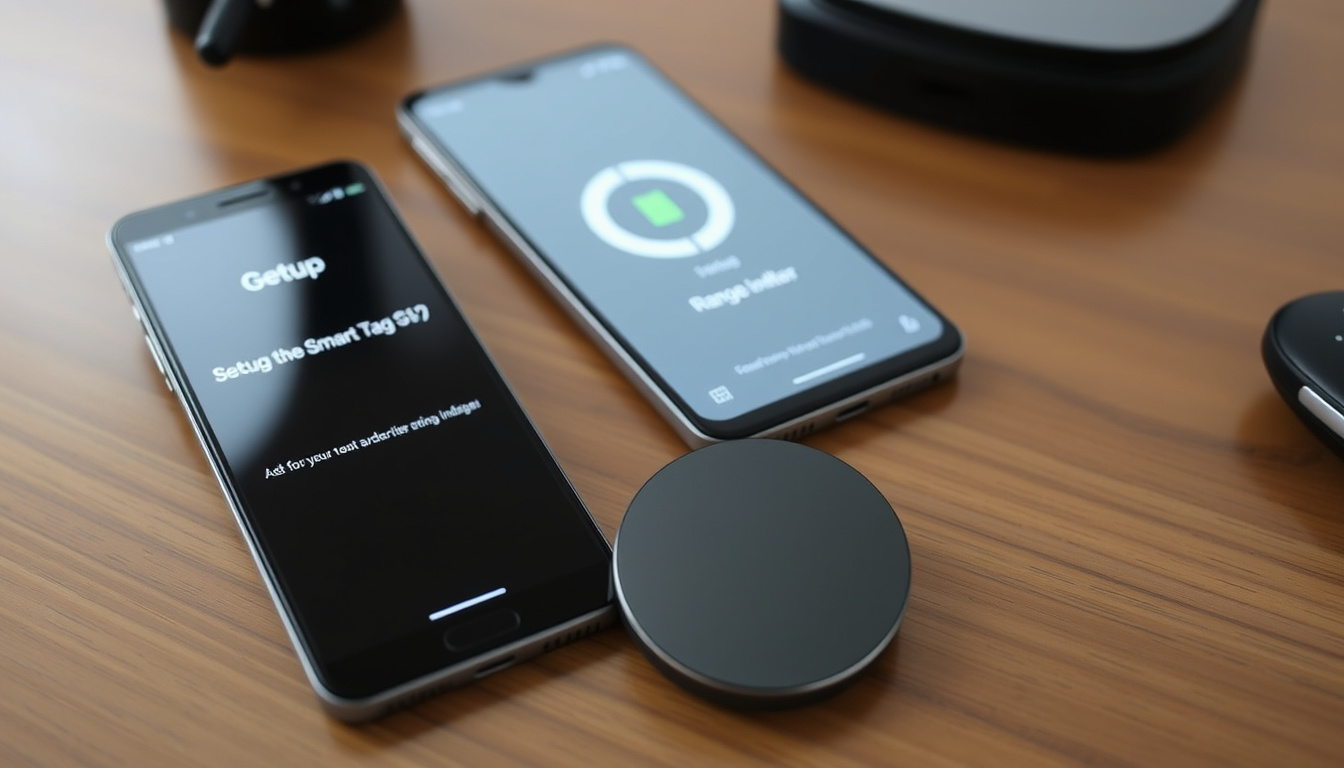
Anyone who has ever felt that jolt of panic when keys or a wallet go missing knows the value of a tracker that actually works. The Galaxy SmartTag2 promises to end that scramble with a 500-day battery, IP67 durability, and a ring-shaped design that clips onto almost anything. Here is a breakdown of its real-world range, setup process, and how it compares to competitors like Apple’s AirTag.
Battery life: Up to 500 days · Dust/water rating: IP67 · Bluetooth range: Up to 120 meters (open area) · Compatible app: SmartThings Find · Weight: 14 g
Quick snapshot
- Up to 120 meters open air (Samsung Newsroom Global)
- Extended via SmartThings Find network (Samsung Newsroom Global)
- Up to 500 days (Samsung Newsroom Global)
- Replaceable CR2032 battery (Samsung Newsroom Global)
Samsung Newsroom Global
- IP67 dust and water resistant (Samsung Newsroom Global)
- Can survive 30 min in 1m water (Samsung Newsroom Global)
Samsung Newsroom Global
- Button can trigger routines (Samsung Newsroom Global)
- Works with SmartThings ecosystem (Samsung Newsroom Global)
Samsung Newsroom Global
Six key specs define the Galaxy SmartTag2 at a glance:
| Specification | Value |
|---|---|
| Battery life | Up to 500 days |
| Water resistance | IP67 |
| Bluetooth range | 120 m (open area) |
| App required | SmartThings Find |
| Weight | 14 g |
| Dimensions | 40.7 x 12.8 x 40.7 mm |
What does a Galaxy SmartTag2 do?
Key features at a glance
- Uses Bluetooth and SmartThings Find network to locate keys, bags, pets, and more (Samsung Newsroom Global (official press release))
- Supports Compass View for directional guidance
- Can trigger smart home devices via SmartThings
How it helps find lost items
- Nearby Galaxy devices anonymously relay the tag’s location
- Search Nearby and Compass View work within Bluetooth range
The implication: this device is entirely ecosystem-dependent, rewarding Samsung users with a seamless experience while locking out iPhone owners completely.
How far can the Samsung SmartTag2 track?
Bluetooth range specifications
Samsung lists the Bluetooth range at 120 meters in open air (Samsung Newsroom Global official press release). Independent tests from Android Authority (tech publication) found real-world range with walls and obstacles dropped to about 30 meters. Tom’s Guide (tech review site) recorded a tested range of about 400 feet (roughly 122 meters) in clear line-of-sight.
Using the SmartThings network for extended range
- The SmartThings Find network uses other Samsung devices to extend tracking beyond Bluetooth range
- Compass View works when within Bluetooth range
What this means: the official number holds only under ideal conditions; everyday use requires a much closer proximity.
How do I set up my Galaxy SmartTag2?
Step-by-step setup
- Install the SmartThings Find app from the Google Play Store
- Press the button on the SmartTag2 to wake it
- Open the app and tap “Add” then “Tag”
- Follow the on-screen pairing instructions
Connecting to SmartThings Find app
- Requires a Samsung account and the SmartThings Find app (Android Authority tech publication)
- Pair by pressing the button and following in-app instructions
- Tag appears in SmartThings Find once connected
Setup is straightforward for anyone already using a Samsung phone. Non-Samsung Android users can still use the SmartThings Find app, but the integration is less seamless.
The catch: although the process is simple, non-Samsung Android owners will miss Compass View and other optimised features.
Is there a monthly fee for Samsung SmartTag?
Cost of using the SmartTag2
- No monthly fee for basic tracking features (Samsung Newsroom Global official press release)
- SmartThings Find network is free with a Samsung account
- No subscription required for standard use
Are there any subscription plans?
Samsung does not charge for the SmartThings Find network. The only ongoing cost is the CR2032 battery, which lasts up to 500 days (Tom’s Guide tech review site).
The pattern: the upfront cost is the total cost; there are no recurring charges to worry about.
Is Galaxy SmartTag2 as good as AirTag?
Battery life comparison
The SmartTag2 claims up to 500 days in normal mode (700 in power-saving), while the AirTag lasts about one year. Both use replaceable coin-cell batteries (Android Authority tech publication).
Range and network differences
Both devices use crowd-sourced networks: SmartThings Find for Samsung, Find My for Apple. Bluetooth range is similar (~120 m), but the AirTag has Ultra Wideband for precise finding in newer iPhones (Tom’s Guide tech review site).
Durability and water resistance
Both carry an IP67 rating (Samsung Newsroom Global official press release). The SmartTag2 includes a physical button for smart home triggers, which the AirTag lacks.
Three contrasts, one pattern: Samsung trades ecosystem breadth for hardware features like longer battery and a programmable button.
| Feature | Galaxy SmartTag2 | Apple AirTag |
|---|---|---|
| Battery life | Up to 500 days (power-saving 700) | ~1 year |
| Water/dust rating | IP67 | IP67 |
| Smart home control | Yes (button triggers routines) | No |
| Crowd network | SmartThings Find (Android only) | Find My (iOS only) |
| Price (approx.) | $29.99 | $29 |
AirTag wins on ecosystem size (billions of iPhones vs. Samsung’s smaller base). SmartTag2 wins on battery life and hardware flexibility. The pick depends on your phone – not your needs.
The implication: users should choose based on their smartphone platform, not on spec sheets alone.
Can I use a Samsung SmartTag2 to track my car?
Using SmartTag2 for vehicle tracking
- Yes, but Bluetooth range limits real-time tracking (Android Authority tech publication)
- If car is in a parking lot with Samsung devices nearby, the network can help locate
- Not a substitute for a GPS tracker for long-distance or real-time tracking
Limitations and considerations
For occasional parking lot find-and-remember, it works. For theft recovery or real-time speed tracking, choose a dedicated GPS tracker. The SmartTag2’s Bluetooth range is insufficient for a moving vehicle (Tom’s Guide tech review site).
The pattern: the tag is a locator for things you leave behind, not a live tracker for moving assets.
Specifications at a glance
Seven key specs, one takeaway: Samsung packed strong battery and durability into a compact tag.
| Specification | Details |
|---|---|
| Dimensions | 40.7 x 12.8 x 40.7 mm |
| Weight | 14 g |
| Battery type | CR2032 (replaceable) |
| Battery life (normal) | Up to 500 days |
| Battery life (power-saving) | Up to 700 days |
| Water/dust rating | IP67 |
| Bluetooth range | 120 meters (open area) |
| Compatibility | Android (Samsung Galaxy devices recommended) |
| Network | SmartThings Find |
Pros and cons
Upsides
- Exceptional battery life (500-700 days)
- IP67 water and dust resistance
- Replaceable battery (CR2032)
- Physical button can control smart home devices
- No subscription fees
Downsides
- Samsung ecosystem lock-in – won’t work with iPhones
- Real-world Bluetooth range drops to ~30 meters indoors
- No Ultra Wideband for precise finding on non-Samsung phones
- Limited third-party accessories compared to AirTag
What we know and what’s still unclear
Confirmed facts
- Battery life up to 500 days (Samsung official) (Samsung Newsroom Global (official press release))
- IP67 certification
- Bluetooth range up to 120 meters in open field (TechGearLab (tech reviewer))
What’s unclear
- Real-world battery life under heavy use (Samsung Galaxy Unlocked (official YouTube channel))
- Actual effective range in dense urban areas (TechGearLab tech reviewer)
- Effectiveness of the SmartThings Find network in rural areas with fewer Samsung devices
What experts and users say
“The Galaxy SmartTag2 is a redesigned tracker with a ring-shaped design for easier attachment, IP67 rating, and up to 500 days of battery life.”
Samsung Newsroom Global (official press release)
“In our tests, the SmartTag2’s real-world Bluetooth range with walls and obstacles was about 30 meters, far short of the theoretical 120 meters.”
The implication: Samsung’s marketing numbers hold up in perfect conditions, but everyday use shrinks the range significantly. For users tracking items inside a home or office, the SmartTag2 still works, but don’t expect to find a lost item from across the street.
For a detailed look at its performance, check out this Galaxy SmartTag 2 review which covers range and battery life in depth.
Frequently asked questions
Does the Galaxy SmartTag2 work with iOS?
No. The SmartTag2 is designed exclusively for Android, and specifically works best with Samsung Galaxy devices through the SmartThings Find app. It does not support Apple’s Find My network.
Can the SmartTag2 be used to track a pet?
Yes, you can attach the tag to a collar. However, the Bluetooth range is limited to about 120 meters in open areas, and the crowd network only works if other Samsung phones are nearby. It’s not a real-time GPS tracker.
How do I replace the battery in a SmartTag2?
The battery is a replaceable CR2032 coin cell. Open the tag by rotating the back cover, remove the old battery, and insert a new one. No tools required.
What colors are available for the Galaxy SmartTag2?
The SmartTag2 is available in black and white (cream) colors. Some regions may offer additional colors.
Is the Galaxy SmartTag2 compatible with all Samsung phones?
It works with Samsung Galaxy phones running Android 9 or later and with the SmartThings Find app installed. Galaxy phones from 2019 and newer support the full feature set including Compass View.
How many SmartTags can I connect to one account?
You can connect up to 200 SmartTags to a single Samsung account in SmartThings Find.
For Samsung phone owners, the Galaxy SmartTag2 is the best choice for battery life and durability, but it won’t work without the ecosystem. For iPhone users, the AirTag remains the only viable option. The choice is clear: pick the tracker that matches your phone, not the one with the nicest spec sheet.
Related reading: New Samsung Phone 2025: Galaxy S25 Series Specs & Price · Electric Scooter with Seat: Legal Guide and Best Brands 2026

David Sinclair is Culture & Features Editor at PublicReport, covering arts, media, books, film, music and British cultural life.