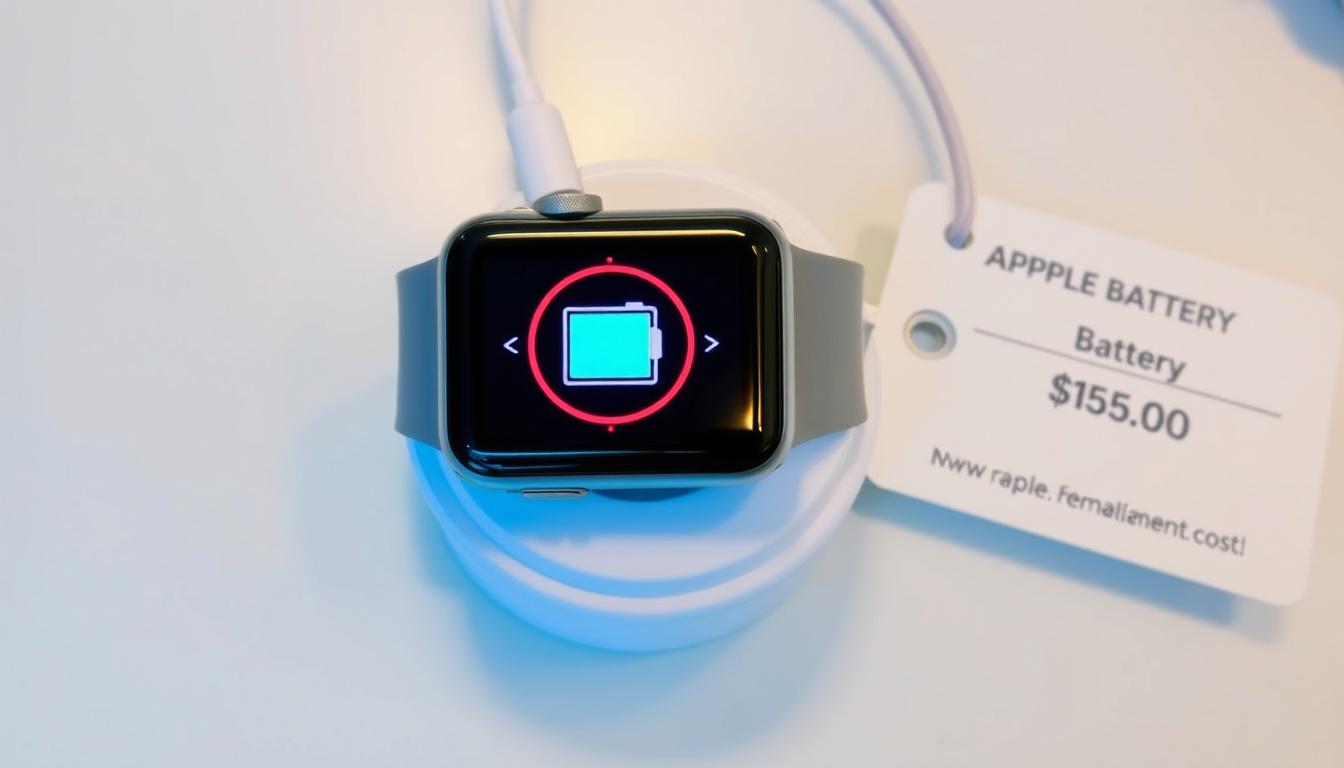
Few things are more frustrating than glancing at your Apple Watch only to see a blank screen or that dreaded red lightning bolt. You’ve set it on the charger, waited, and nothing happens. This guide walks you through exactly why it’s happening and what to do next — from a quick clean to deciding whether it’s time for a battery replacement.
Average Apple Watch battery life: 18 hours (typical use) ·
Official Apple Watch battery lifespan: About 3 years (500 charge cycles) ·
Apple Watch battery replacement cost (out of warranty): $79 to $149 depending on model ·
Common cause of charging failure: Dirty charging contacts or misalignment ·
Time to fully charge a dead Apple Watch: Approximately 2.5 hours
Quick snapshot
- Force restart works for frozen watches (Apple Support)
- Red lightning bolt means critically low battery (Apple Support)
- Apple charges $79–$149 for battery replacements out of warranty (Apple Support)
- Exact battery lifespan varies with usage and environmental factors (Apple Support)
- Third-party repair quality and warranty coverage vary (Apple Support Community)
- Apple Watch models (2015–2023) use magnetic inductive charging (Apple Support)
- Fast charging introduced for Series 7 and later (Apple Support)
- If watch still won’t charge, contact Apple Support for diagnosis (Apple Support)
- Consider battery replacement or upgrade if watch is 3+ years old (Apple Support)
A handful of key numbers help you understand your Apple Watch’s charging behavior in context — from how long a charge takes to when the red bolt appears.
| Fact | Value |
|---|---|
| Official battery lifespan | 500 charge cycles (about 3 years) |
| Typical charging time (0-80%) | About 1.5 hours |
| Red bolt indicator battery level | Less than 10% charge |
| Most common cause of charging failure | Dirty contacts or misalignment |
| Apple battery replacement cost (Series 8) | $129 |
| Force restart button hold time | 10 seconds (until Apple logo appears) |
| Minimum time on charger for dead watch | 30 minutes before attempting restart |
Why Is My Apple Watch Plugged in but Not Charging?
Common causes: dirty contacts, misaligned charger, faulty power adapter
- Dirty charging contacts — Clean the back of the watch and the magnetic charger with a soft, lint-free cloth. Dirt or oil can block the connection (Apple Support).
- Misaligned charger — The magnetic puck must be centered on the watch back. Even a slight shift can break the inductive link.
- Faulty power adapter or cable — Try a different Apple power adapter or a USB port on a turned-on computer. Some third-party chargers deliver less than 1 amp, which may not be enough (Apple Support Community).
These three causes account for the majority of “won’t charge” complaints. A quick visual check and a clean cloth often resolve the problem in under a minute.
Why the red lightning bolt appears even when plugged in
The red lightning bolt means the battery is below 10% — so low that the watch may not show any charging progress for several minutes. It’s not a hardware failure.
This is normal behavior. The watch needs to accumulate enough charge to wake the display. Apple recommends leaving it on the charger for up to 30 minutes before force restarting (Apple Support).
The implication: Most “not charging” situations are not hardware failures. A few simple checks can save you a trip to the repair shop.
Why Is My Apple Watch Showing a Red Lightning Bolt?
Understanding the red bolt icon
- The red lightning bolt indicates the battery charge is below 10% (Apple Support).
- It is not a warning of permanent damage — it simply means the watch needs charging urgently.
- On first connection to the charger, the red bolt may briefly appear as the watch begins to accept power.
Apple Support documentation states that a completely drained battery can prevent the watch from showing anything beyond this icon (Apple Support Community). That’s expected.
What to do when the red bolt stays on
If the red bolt persists for more than 30 minutes while on the charger, check your power source, cable, and alignment. A faulty charger can keep the watch stuck in low-power limbo.
Force restart while the watch is on the charger: press and hold the side button and Digital Crown together for 10 seconds until the Apple logo appears (Apple Support). If the logo doesn’t appear after 30 minutes, the battery may be too depleted to respond, and you should move to the next section.
How to Fix an Apple Watch That Won’t Charge
Step-by-step troubleshooting
- Inspect the magnetic charging cable and power adapter for damage — kinks, fraying, or loose connections (Apple Support).
- Clean the charging contacts on both the watch and the charger with a soft, dry cloth.
- Force restart the watch — hold the side button and Digital Crown for 10 seconds until the Apple logo appears (Apple Support).
- Try a different power adapter, a different USB port, or a computer USB port. Low-amperage sources may not deliver enough current (Apple Support Community).
- If the watch still does not charge or turn on, contact Apple Support for diagnosis (Apple Support).
A force restart does not erase your data — it only resets the watch’s software momentarily. It’s the most effective fix for a frozen or unresponsive watch.
The pattern: Most fixes are quick, free, and take less than five minutes. Only after exhausting these steps should you consider a service option.
Key takeaway: Before spending money on repairs, always try cleaning, checking alignment, and a force restart. These steps resolve most charging issues at no cost.
Force restarting a frozen watch
A force restart is different from a factory reset. It clears temporary software glitches without affecting your settings, apps, or health data. Apple Support advises pressing both buttons simultaneously and holding until the Apple logo appears — this can take up to 10 seconds (Apple Support).
Resetting the watch without losing data
If force restart doesn’t work, you can unpair the watch from your iPhone (which creates a backup) and then repair it. This often resolves deeper software issues. The option is in the Watch app on your iPhone under “All Watches” > “Unpair Apple Watch.”
The trade-off: A full unpair and repair takes about 30 minutes, but it preserves your data and can fix charging-related software bugs.
How to Revive a Dead Apple Watch
Charging a completely dead watch
- Use the original Apple magnetic charging cable — third-party cables may not provide a reliable connection (Apple Support).
- Let it charge for at least 30 minutes before attempting any restart (Apple Support).
- Make sure the environment is between 0°C and 35°C (32°F to 95°F). Extremes can prevent charging.
Some users report that leaving the watch on a MacBook USB port overnight can revive a deeply discharged watch (Apple Support Community).
What to do if the watch is unresponsive
A completely dead Apple Watch may show nothing at all for the first 5–10 minutes on the charger. That’s normal — give it time.
If after 30 minutes the screen remains black, try a force restart while still on the charger. If nothing happens, Apple Support recommends contacting them for further diagnosis (Apple Support).
The reality: A battery that can no longer hold any charge is the most common reason a dead watch refuses to revive. At that point, battery replacement becomes the primary solution.
What Is the Lifespan of an Apple Watch Battery?
Official battery life expectancy
- Apple rates the battery to retain up to 80% of its original capacity after 500 complete charge cycles (Apple Support).
- For most users, 500 cycles equates to about three years of daily use.
- After that point, capacity decline accelerates, and you may notice shorter run time between charges.
Apple does not publish a single flat battery replacement price for all models; pricing varies by region and watch generation (Apple Support).
Signs your battery is aging
Look for these signals: the watch needs charging before the day is over, it charges more slowly than it used to, or it shuts down unexpectedly even though the battery indicator shows charge remaining. When those symptoms appear, the battery is nearing the end of its useful life.
What this means: A three-year-old watch with degraded battery performance is a candidate for either a battery replacement or an upgrade — not necessarily a full watch replacement.
How Much Does It Cost to Replace an Apple Watch Battery?
Apple official pricing by model (2026)
- Apple Watch Series 1–3: $79 out-of-warranty battery service (Apple Support).
- Apple Watch Series 4–5: $99.
- Apple Watch Series 6–8: $129.
- Apple Watch Ultra: $149.
If you have AppleCare+, battery replacement is covered at no extra cost if the battery holds less than 80% of its original capacity. Without AppleCare+, these prices apply.
Third-party replacement options
Independent repair shops may charge $50–$100 for a battery swap, but the trade-off includes potential loss of water resistance and voiding of any remaining warranty. Quality varies significantly (Apple Support Community).
The decision: For a watch less than three years old, Apple’s official service is the safer bet. For older models, a third-party repair might cost less than the watch’s current resale value.
For other Apple device accessories, check out our iPhone 16 Pro Max Phone Cases: Best Picks in Ireland. Also see our Galaxy SmartTag2 Review: Range, Battery & Setup for wearable charging insights.
Confirmed facts
- Force restart works for frozen watches (Apple official).
- Red lightning bolt means critically low battery.
- Apple charges $79–$149 for battery replacements out of warranty.
What’s unclear
- Exact battery lifespan varies with usage and environmental factors.
- Third-party repair quality and warranty coverage vary.
“If an Apple Watch has enough battery to respond, a force restart can be attempted by holding the side button and Digital Crown together until the Apple logo appears.”
— Apple Support (official troubleshooting guide)
“A completely drained battery can prevent the watch from showing anything beyond the red lightning indicator.”
— Apple Support Community (user report)
“If it still does not charge or turn on after the recommended steps, Apple directs users to contact Apple Support.”
— Apple Support (troubleshooting conclusion)
For anyone facing a dead Apple Watch that won’t charge, the path forward is clear: start with the free fixes — clean, realign, force restart. If that fails, evaluate the watch’s age and battery health. For a watch under three years old, Apple’s battery service (at $79–$149) extends its life at a fraction of the cost of a new device. For an older watch, the smartest move may be to upgrade rather than sink money into a battery that will degrade again soon.
Frequently asked questions
Can I charge my Apple Watch overnight?
Yes. The Apple Watch and its charger are designed for overnight charging. The watch stops drawing power once fully charged, so there is no risk of overcharging.
Will a third-party charger damage my Apple Watch?
An uncertified charger may not deliver the correct voltage or alignment, potentially causing slow charging or no charging at all. Apple recommends using the original charger or an Apple-certified accessory.
How do I check my Apple Watch battery health?
On watchOS 7 and later, go to Settings > Battery > Battery Health. You’ll see the maximum capacity percentage and whether it supports peak performance.
Does AppleCare+ cover battery replacement?
Yes. AppleCare+ covers battery replacement at no additional cost if the battery holds less than 80% of its original capacity. Otherwise, a service fee may apply.
Why does my Apple Watch get hot while charging?
Warmth during charging is normal, especially with fast charging. If the watch becomes uncomfortably hot, remove it from the charger and allow it to cool. Persistent overheating may indicate a fault.
Can I use my iPhone charger to charge my Apple Watch?
Yes, but only if you connect the Apple Watch magnetic charging cable to the iPhone’s USB power adapter. The watch does not charge directly from the iPhone.
What should I do if my Apple Watch won’t turn on at all?
Place it on the charger for at least 30 minutes, then force restart. If there’s no response, contact Apple Support — the battery may need replacement.

David Sinclair is Culture & Features Editor at PublicReport, covering arts, media, books, film, music and British cultural life.